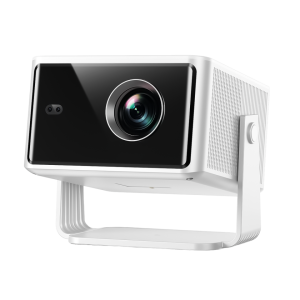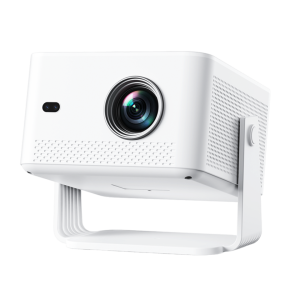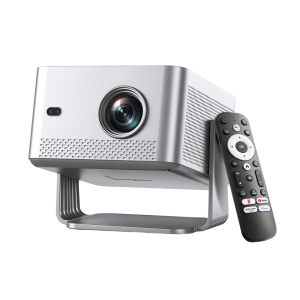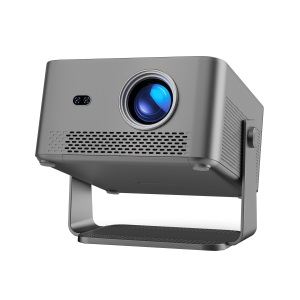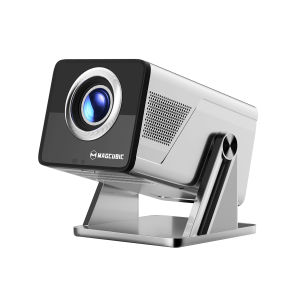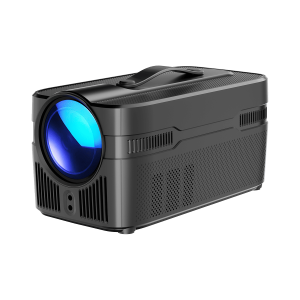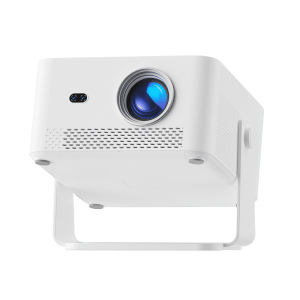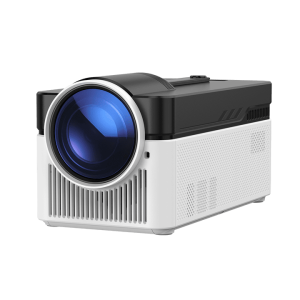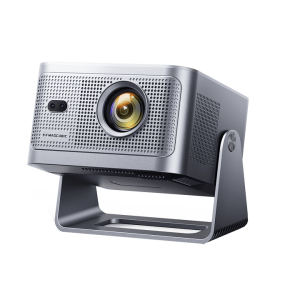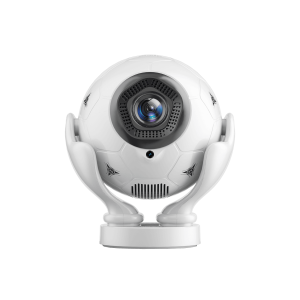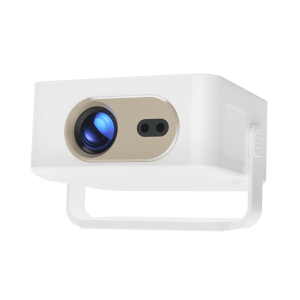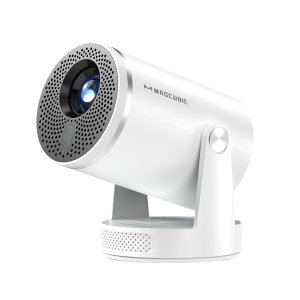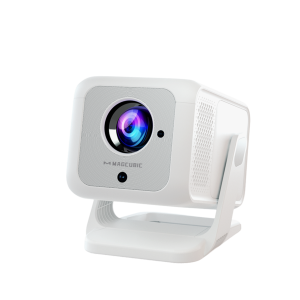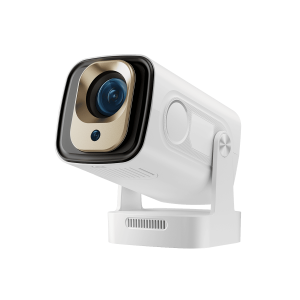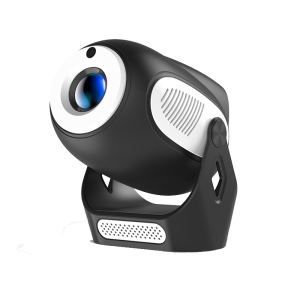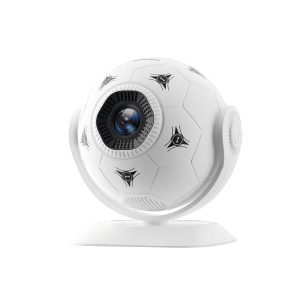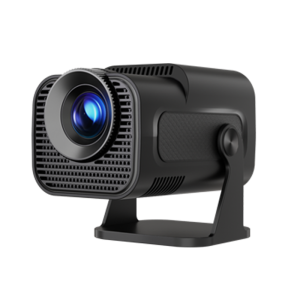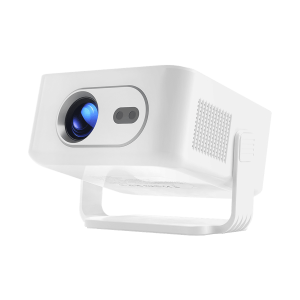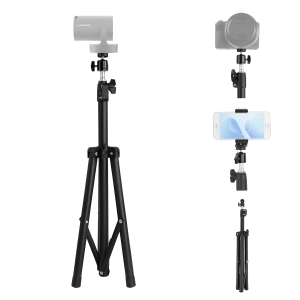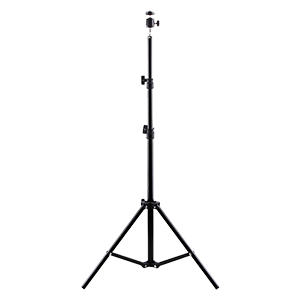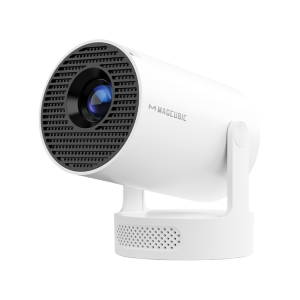

720P
200 ANSI LM
Manual
Vertical: Auto / Horizontal: Manual
2000:1
0.9:1
BT 5.4/WiFi 6
0.4KG
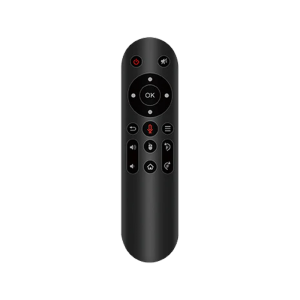
1.While playing a video or viewing an image, press the Menu button on the remote.
2.The Display Settings panel will appear on the left side of the screen.
3.Select a picture mode as needed.
4.In Custom Mode, you can manually adjust Brightness, Contrast, Hue, Saturation, and other picture settings.