
25% OFF >$200 — CODE:6E5KW Shop Now
16% OFF >$50 — CODE: 51WQW Shop Now
21% OFF >$100 — CODE:GEKP6 Shop Now
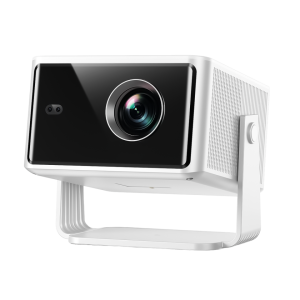
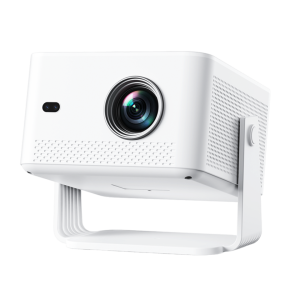
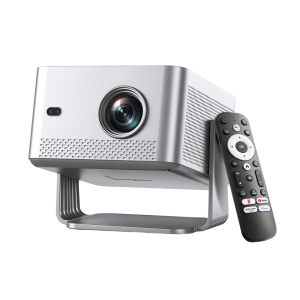
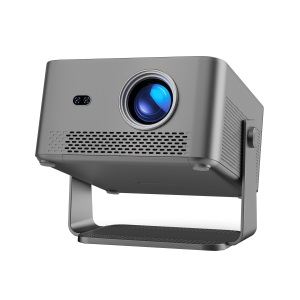
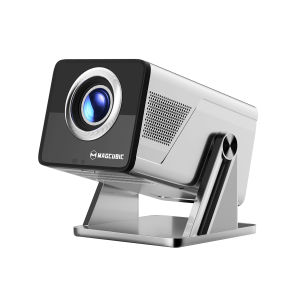
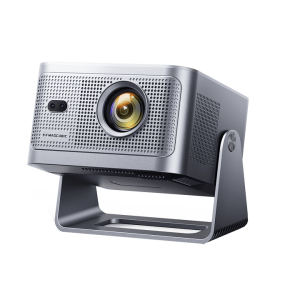
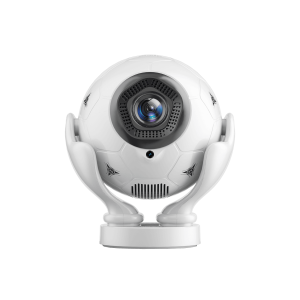
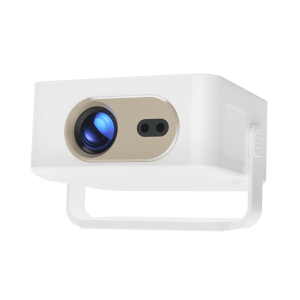
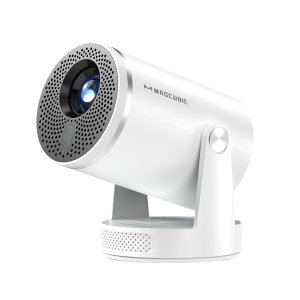
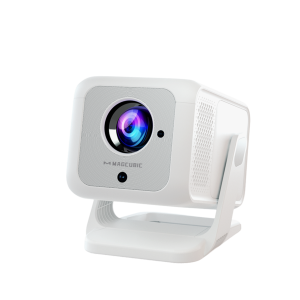
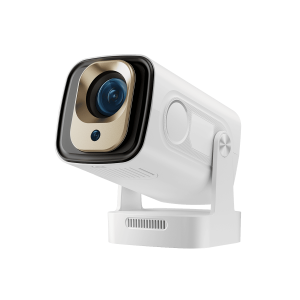
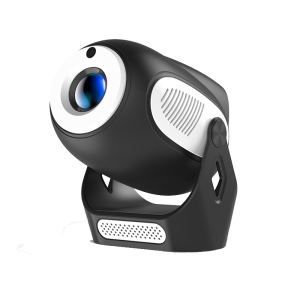
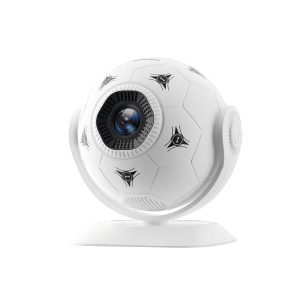
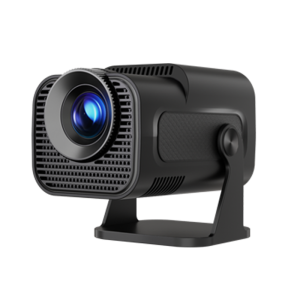
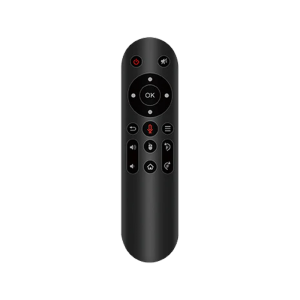
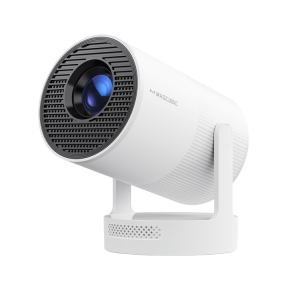
Magcubic HY300UItra Mini Portable Projector
Tutorial Videos
Specs
Magcubic HY300UItra Mini Portable Projector
  • Resolution

    720p

  • Brightness

    260 ANSI

  • Focus Mode

    Digital

  • Keystone Correction

    Vertical :Auto / Horizontal:Manual

  • Contrast Ratio

    1500:1

  • Throw Ratio

    0.9:1

  • BT/WIFI

    BT 5.4/WiFi 6

  • Weight

    0.56KG

FAQs
What Should I Do If My Projector Unable to Pair Bluetooth Devices?

1.Update the firmware to the latest version.
2.Clear the Bluetooth records.
3. Restart the projector and try pairing again.
4.Connect another Bluetooth speaker or headset
5. Keep the projector close to the Bluetooth device, avoiding metal objects or walls between them.

Note: Miracast and AirPlay use Wi-Fi connections, not Bluetooth. The projector only supports Bluetooth audio output devices (such as speakers or headphones), not phones or other transmitters.


How to Use Air Mouse Remote?
How to Get a Square Image?
What Should I Do If Can’t Connect to Wi-Fi?
How to Activate Manual Focus?
How Should I Clean The Dust From The HY300 Ultra?
How to Adjust Picture Settings?
Why does a projector look clearer at night than during the day?
Why OTA Update Before Use?
Info on Streaming Services

Shopping Cart