
25% OFF >$200 — CODE:6E5KW Achetez maintenant
16% OFF >$50 — CODE: 51WQW Achetez maintenant
21% OFF >$100 — CODE:GEKP6 Achetez maintenant
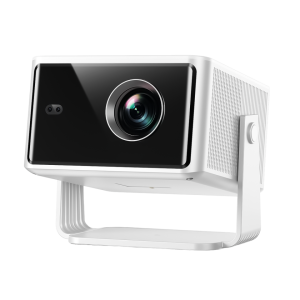
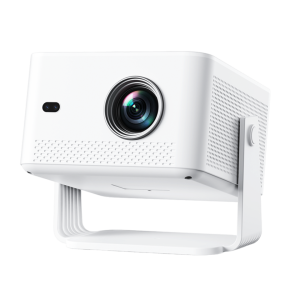
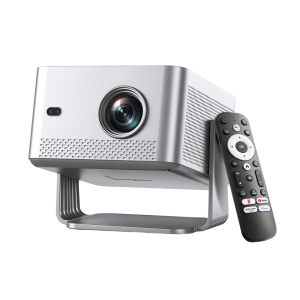
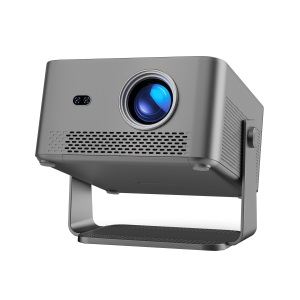
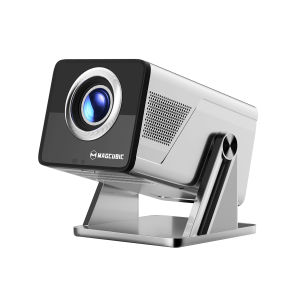
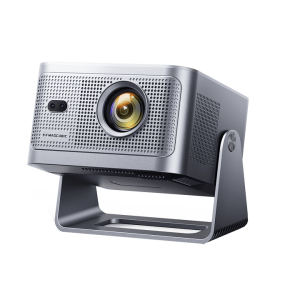
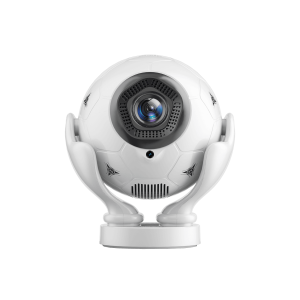
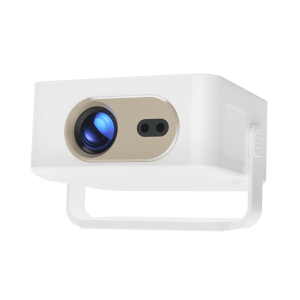
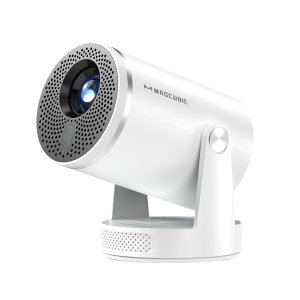
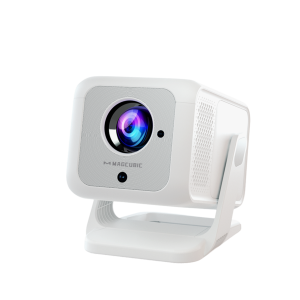
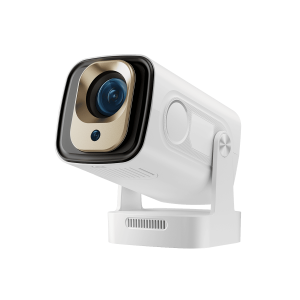
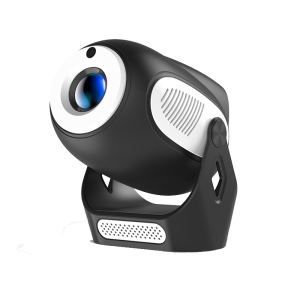
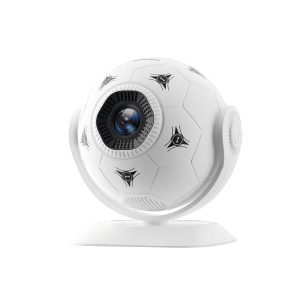
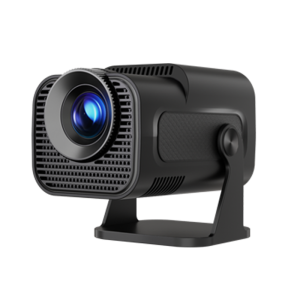
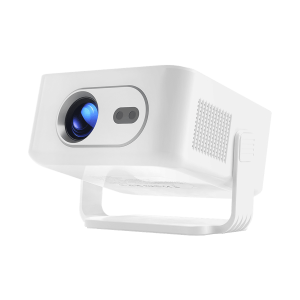
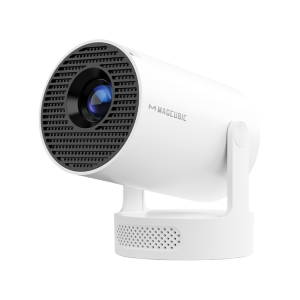
Magcubic HY300Pro+ Smart Mini Projector
Vidéos tutoriels
Spécifications
Magcubic HY300Pro+ Smart Mini Projector
  • Résolution

    720p

  • Luminosité

    200 lm ANSI

  • Mode Concentration

    Manuel

  • Correction du trapèze

    Vertical : Auto / Horizontal : Manuel

  • Taux de contraste

    2000:1

  • Rapport de projection

    0.9:1

  • BT/WIFI

    BT 5.4/Wi-Fi 6

  • Poids

    0.4KG

FAQ
How to Adjust Display Settings?

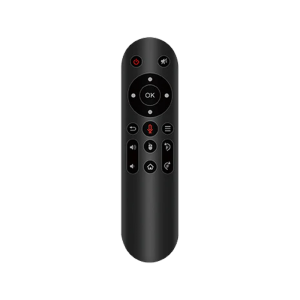
1.While playing a video or viewing an image, press the Menu button on the remote.
2.The Display Settings panel will appear on the left side of the screen.
3.Select a picture mode as needed.
4.In Custom Mode, you can manually adjust Brightness, Contrast, Hue, Saturation, and other picture settings.


How to Adjust the Projection Size?
How to Calibrate Air Mouse Sensitivity?
How to Connect a Device via HDMI?
How to Connect to Wi-Fi?
How to Download Apps?
How to Mirror Your Windows Screen?
How to Update the System Firmware?
How to Use Air Mouse Mode?
How to Use a USB Storage Device?
How to Adjust Keystone Correction?
How to Focus Your Projector?
How to Mirror Your Android Screen? Via USB Cable
How to Mirror Your Android Screen? Via Miracast
How to Mirror Your Android Screen? Via tranScreen App
How to Mirror Your iPhone Screen? Via USB Cable
How to Mirror Your iPhone Screen? Wirelessly
How to Cast from Your Phone?For apps that support casting

Panier