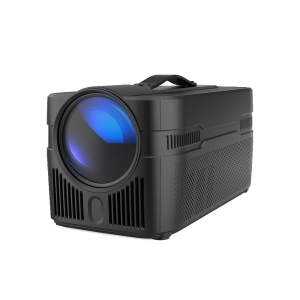
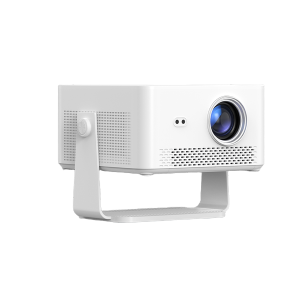
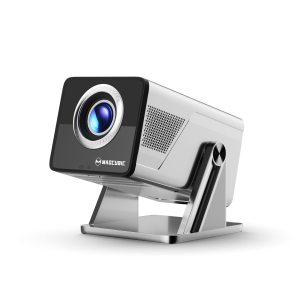
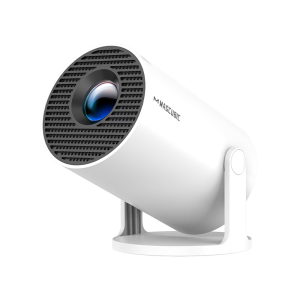
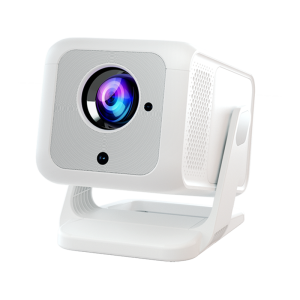
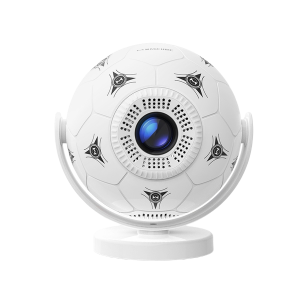
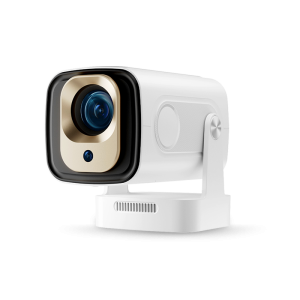
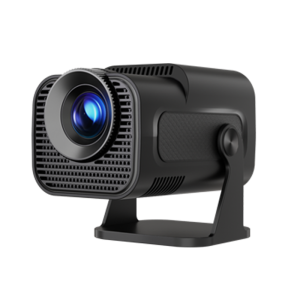
Projectors are a magical way to enjoy movies and TV shows on a large screen, but many users have encountered a frustrating problem: Netflix cannot be played on their projectors. In this article, regarding the question ‘Why can’t I play Netflix on my projector‘, we will break down the common reasons and tell you how to solve them.
HDCP is a copyright protection scheme designed to safeguard digital signals when using the Digital Video Interface (DVI) and the High Definition Multimedia Interface (HDMI). Netflix typically utilizes HDCP technology to safeguard its content and prevent unauthorized copying. If your projector or HDMI cable does not support HDCP, you will not be able to play Netflix videos.
Solution:
Some projectors (especially the cheap mini ones) run on the Android system but are not officially authorized to support Netflix. Even if the application is installed, it may not function properly due to restrictions. When you use these projectors, there may be issues such as Netflix not loading, black screens, or unexpected crashes.
Solution:
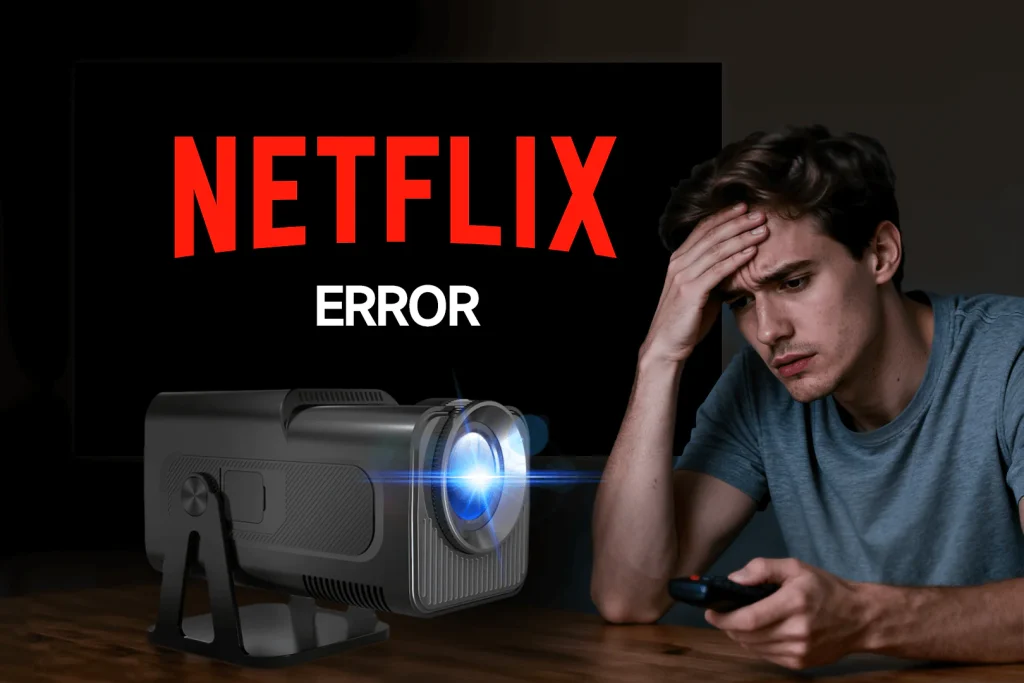
Outdated firmware or outdated software versions are also a major reason why Netflix may not work properly. This often happens when your projector is an older model or the connected streaming device runs outdated software. This might lead to a situation where Netflix is unavailable.
Solution:
If your projector supports Netflix playback but cannot connect to Netflix, there is likely a problem with the connection method. An unstable network or loose HDMI cables can interrupt streaming. In addition, Netflix blocks “screen mirroring” on many devices. If you try to cast Netflix from your phone or laptop using basic screen mirroring, it usually won’t work.
Solution:
If Netflix fails to load or keeps caching, your Internet connection might be the real culprit. Slow or unstable network connection speed may cause streaming media issues, resulting in Netflix failing to load smoothly or repeatedly buffering.
Solution:
The simplest and most reliable option is to connect a streaming device such as an Amazon Fire TV Stick, Roku, or Chromecast. These devices are HDCP-compliant and officially support Netflix, ensuring smooth playback without compatibility issues.
Just plug the stick into your projector’s HDMI port, connect it to Wi-Fi, and log in to your Netflix account.
Another straightforward method is to play Netflix from a laptop or desktop computer and connect it directly to your projector via an HDMI cable. Open Netflix in your browser, select your show, and the projector will display it on the big screen.
This is a great option if you don’t want to buy extra devices or if you’re hosting a movie night outdoors or in a large room.
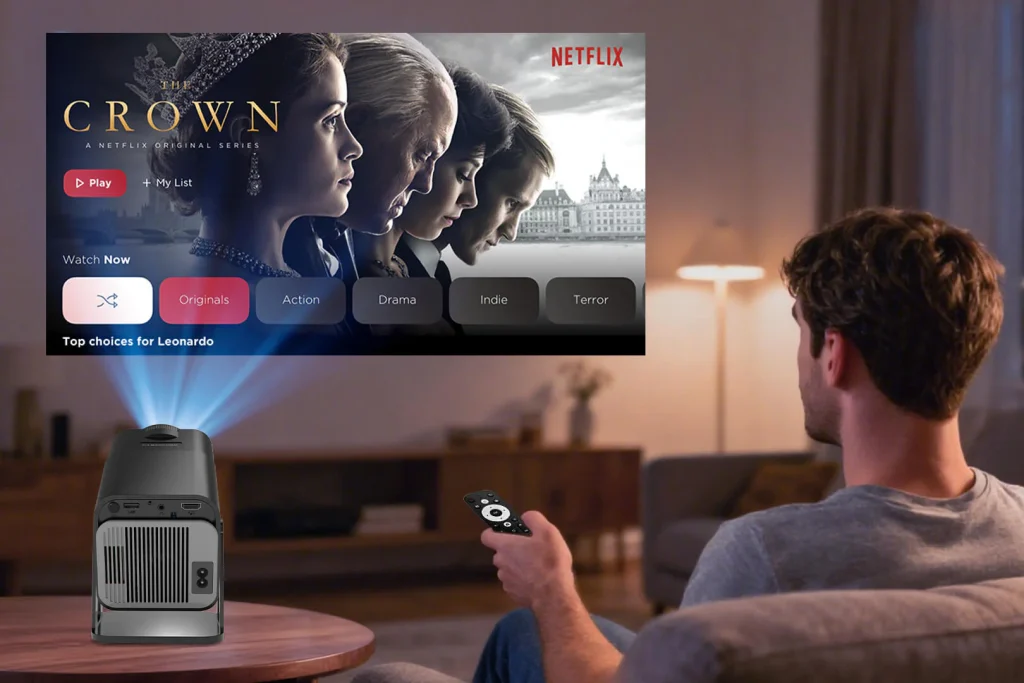
Some projectors come with certified Netflix support built in, eliminating the need for external devices. While not all projectors offer this, investing in a model with smooth streaming capability can make your setup more convenient.
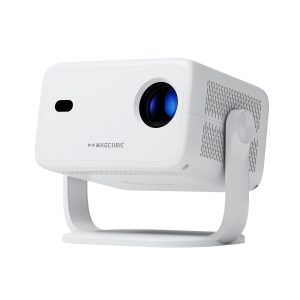
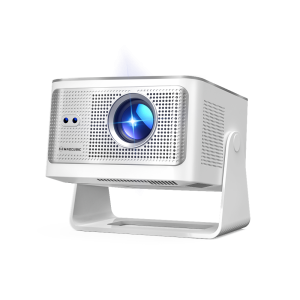
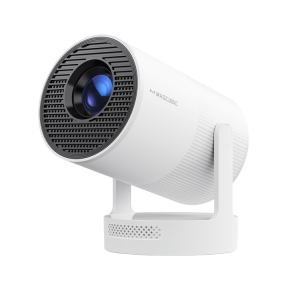
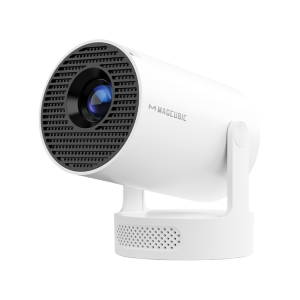
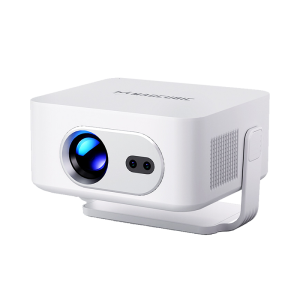
Choose a smart projector with Netflix certification, such as the Magcubic HY320 NTV. It is a portable projector with officially certified streaming applications, making it ideal for home theaters and living rooms.
This guide comprehensively analyzes the common reasons and solutions for the question ‘Why can’t I play Netflix on a projector?‘. The reasons are usually attributed to HDCP protection, device limitations, outdated firmware and software, incorrect connection methods, or network connection issues. By troubleshooting these issues and taking corresponding solutions, you can enjoy Netflix on the big screen without any problems.
Not always. Netflix blocks simple screen mirroring on many devices. To watch Netflix, please connect your phone to an HDMI adapter or plug a streaming stick (such as Fire TV or Chromecast) directly into the projector.
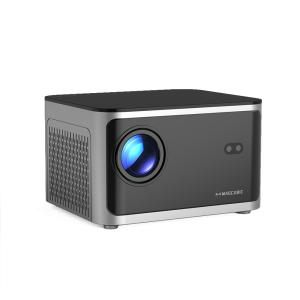
No. Many budget projectors do not have authorized Netflix support. The simplest solution is to use an external streaming device or choose a projector specifically designed for streaming, such as the Magcubic HY310X.






 United States Dollar ($)