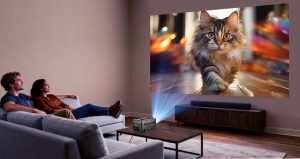
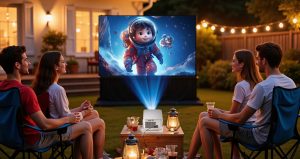
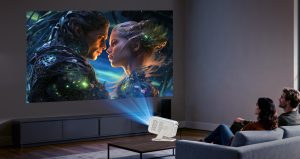
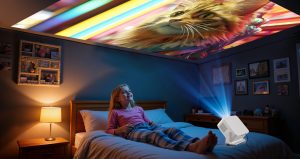
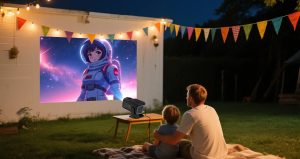
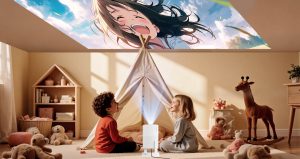
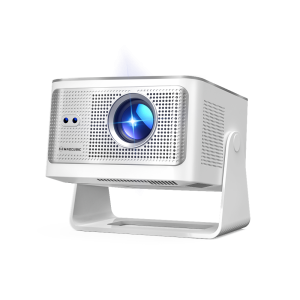
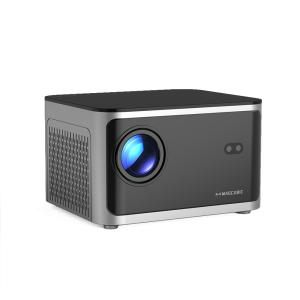
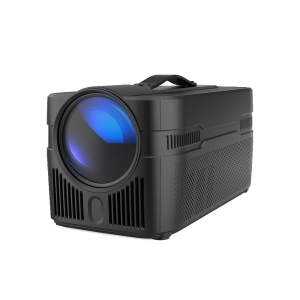
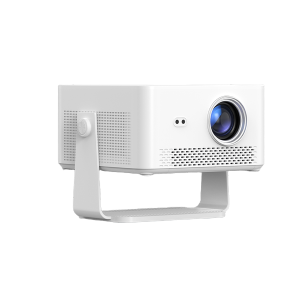
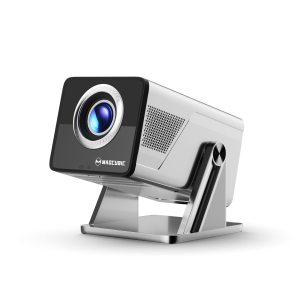
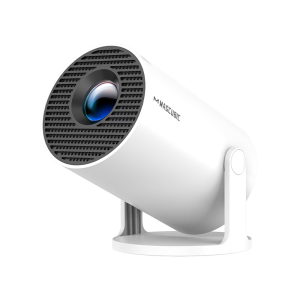
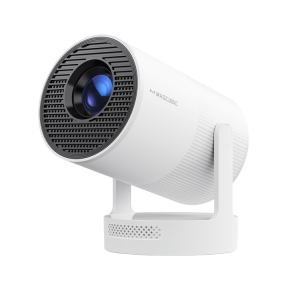
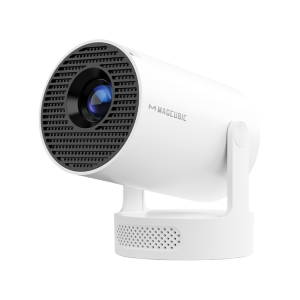
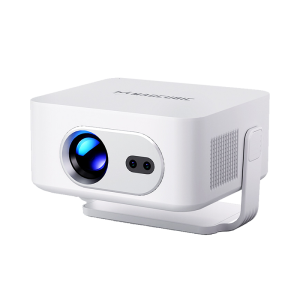
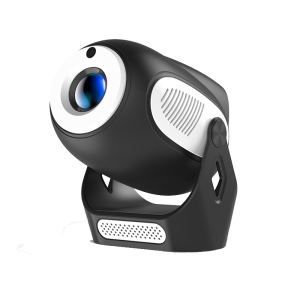
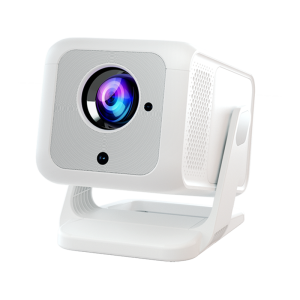
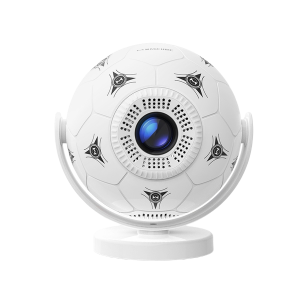
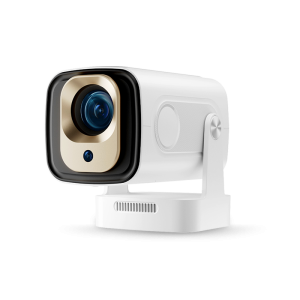
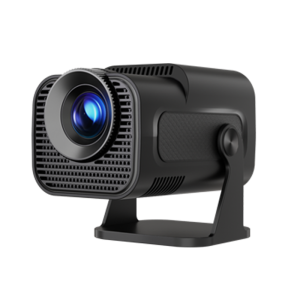
With changing lifestyles, the younger generation is showing less interest in traditional TVs. Instead, many are turning to use a projector as a TV to watch movies, TV shows, and sports. For home theater enthusiasts, projectors offer the flexibility to transform a living room, bedroom, or almost any space into a personal cinema.
So, how to use a projector as a TV? Can it truly replace your television? In this guide, we’ll walk you through everything you need to know about setting up a projector as a TV, along with practical tips to optimize your viewing experience.
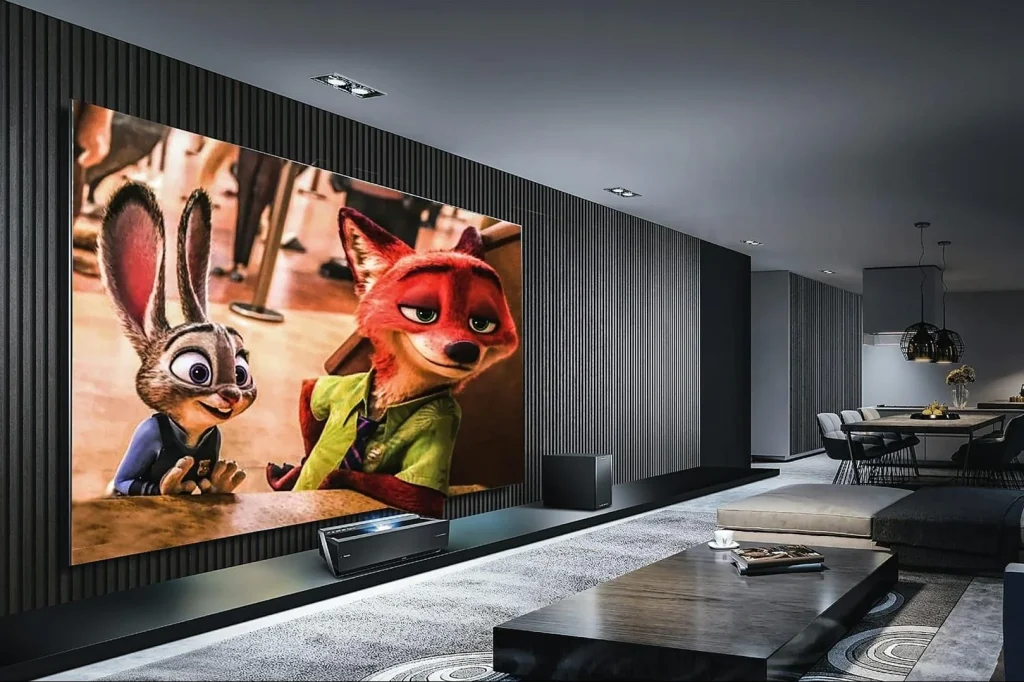
Before starting the setup, let’s first explore the advantages of using a projector as a TV. In addition to large screens, projectors can also be a complete way for you to enjoy entertainment at home. The following are the main advantages:
Using a projector as a TV is a simple activity, and there are some videos that will teach you how to set it up. Of course, if you want clearer guidance, you can follow the steps below to build a home theater.
Step 1: Select the projector
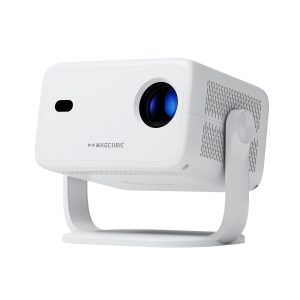
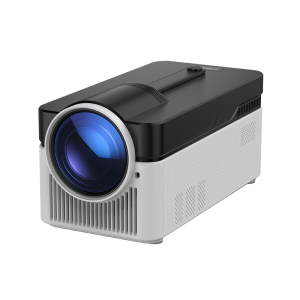
The first step in building a home theater is to choose a suitable projector. There are so many projectors on the market that you may feel at a loss. Therefore, choose a projector that meets your needs by considering:
Step 2: Prepare the projector screen
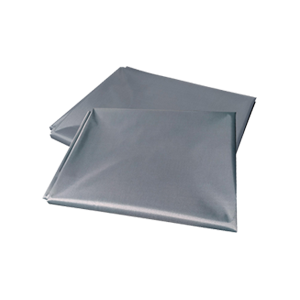
Although you can project on the wall, a dedicated projector screen can enhance the brightness, image clarity, and color accuracy. The following are the relevant options:

Step 3: Select the viewing area
Choose your favorite or most comfortable area. Using a projector as a TV can break the limitations of space, allowing you to enjoy a great viewing experience anywhere. The following are what need to be considered:
Step 4: Prepare additional equipment
Although a projector can easily replace a TV for watching videos, to make a projector work like a TV, you still need to prepare some additional equipment. For example:
Step 5: Connect the projector
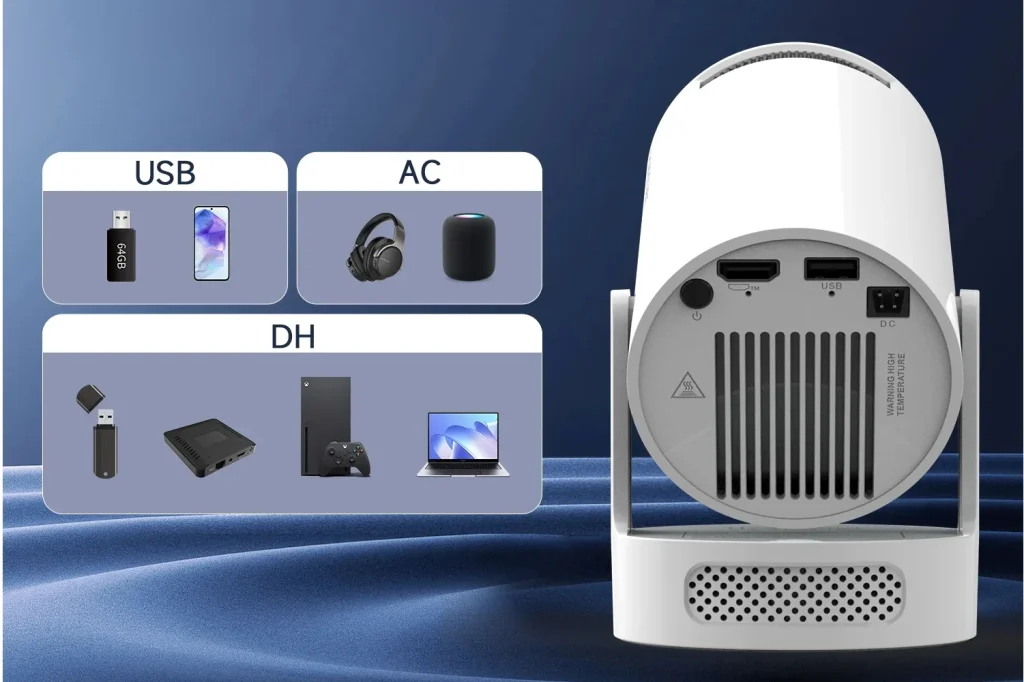
After everything is ready, connect the projector to the source device. Most devices use HDMI, which can provide high-quality audio and video signals. However, some models can also use wireless streaming media. During the connection process, ensure that the cable is firmly connected and the input source is correctly selected.
Step 6: Adjust the projector
After a successful connection, the projector still needs to be adjusted to achieve the best viewing experience. The following are some key adjustment steps.
Step 7: Set the audio
Projectors usually have built-in speaker devices, but this makes it difficult to adapt to high-quality visual effects. When using a projector as a TV, external audio devices such as soundbars, surround sound systems, and Bluetooth speakers also need to be taken into consideration. Make the correct audio settings to ensure perfect synchronization of audio and video.
Step 8: Enjoy the home theater
After setting it up according to the above steps, you can sit down and enjoy your favorite TV shows, movies, live broadcasts, or play games on the big screen. With the right projector setup, you can easily replace a traditional TV and take your home entertainment to a new level.
Using a projector as a TV is no longer just a trend; it is a practical and exciting way to enjoy entertainment at home. With the right setup, you can turn any space into a personal cinema, enjoying a larger screen than most TVs can offer, and even take your viewing experience outdoors. Whether you are a casual viewer or a dedicated home theater enthusiast, a projector can offer comfort, flexibility, and a true cinematic experience.
Can projectors replace televisions?
Yes, projectors can replace televisions to meet most viewing needs. With the correct settings for brightness, resolution, and audio, projectors can stream movies, TV shows, sports programs, and even live broadcasts. The main difference between the two lies in the fact that the projector has a larger screen size and a more flexible placement position, while the TV may be more convenient for bright rooms or daily leisure use.
Do I need a special screen to use a projector as a TV?
Although you can project on a blank wall, a dedicated projector screen can enhance image clarity, brightness, and color accuracy. If you want to replace your TV with a projector, investing in a screen will greatly enhance your viewing experience.






 United States Dollar ($)